> For the complete documentation index, see [llms.txt](https://docs.sns.id/collection/llms.txt). Markdown versions of documentation pages are available by appending `.md` to page URLs; this page is available as [Markdown](https://docs.sns.id/collection/korean/sns-v2/discover-domains.md).
# 도메인 탐색
원하는 도메인을 찾는 방법
## 검색 및 대량 검색
.sol 도메인을 검색하려면 [sns.id](https://www.sns.id/)로 이동해 원하는 도메인 이름을 입력하세요..
{% hint style="warning" %}
도메인 이름은 **소문자만 사용 가능합니다.**
{% endhint %}
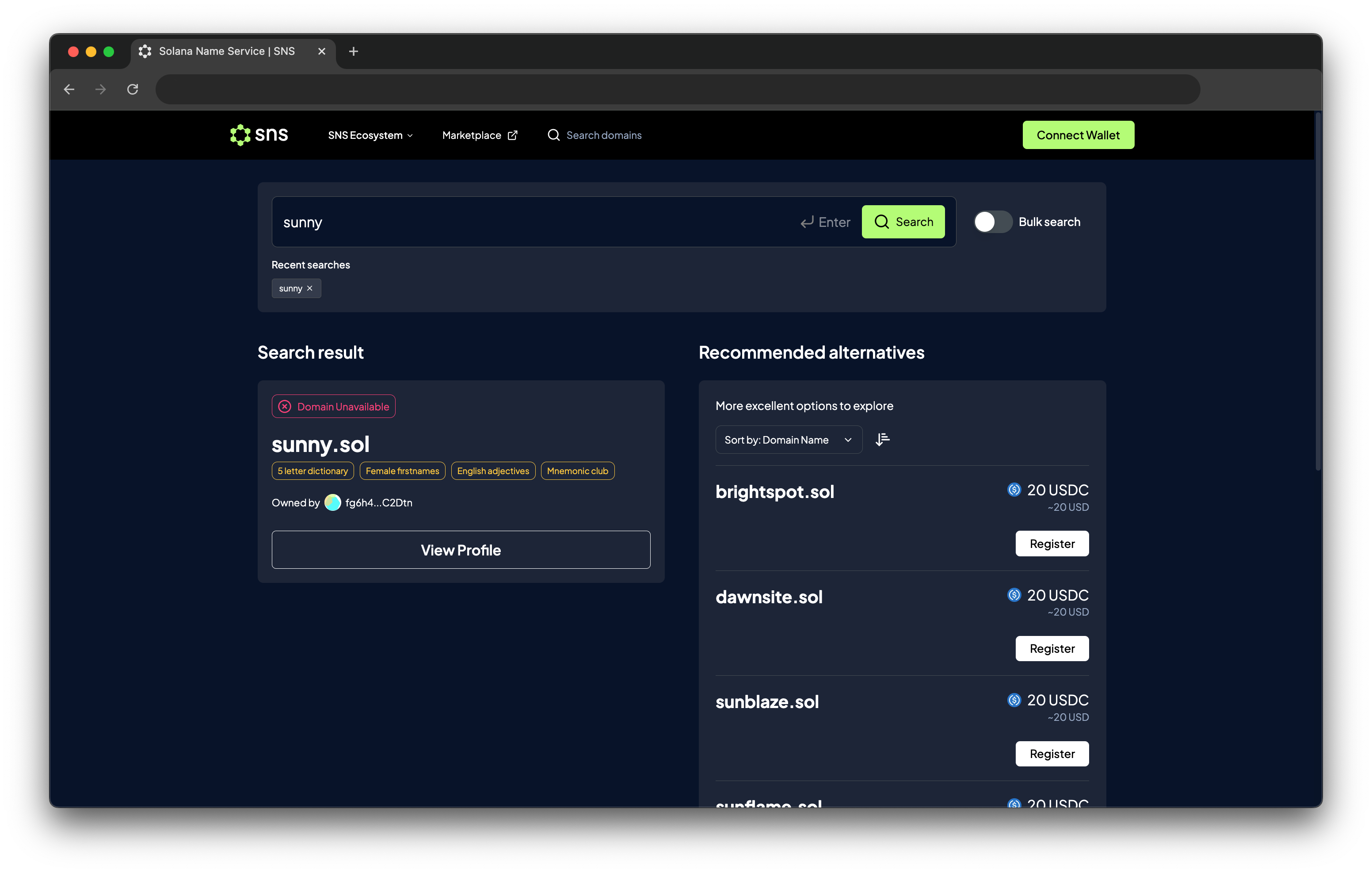
검색어를 입력하면 해당 .sol 도메인의 등록 상태를 확인할 수 있습니다. 이미 등록된 도메인일 경우, 검색 도구가 사용 가능한 대체 도메인을 제안합니다.
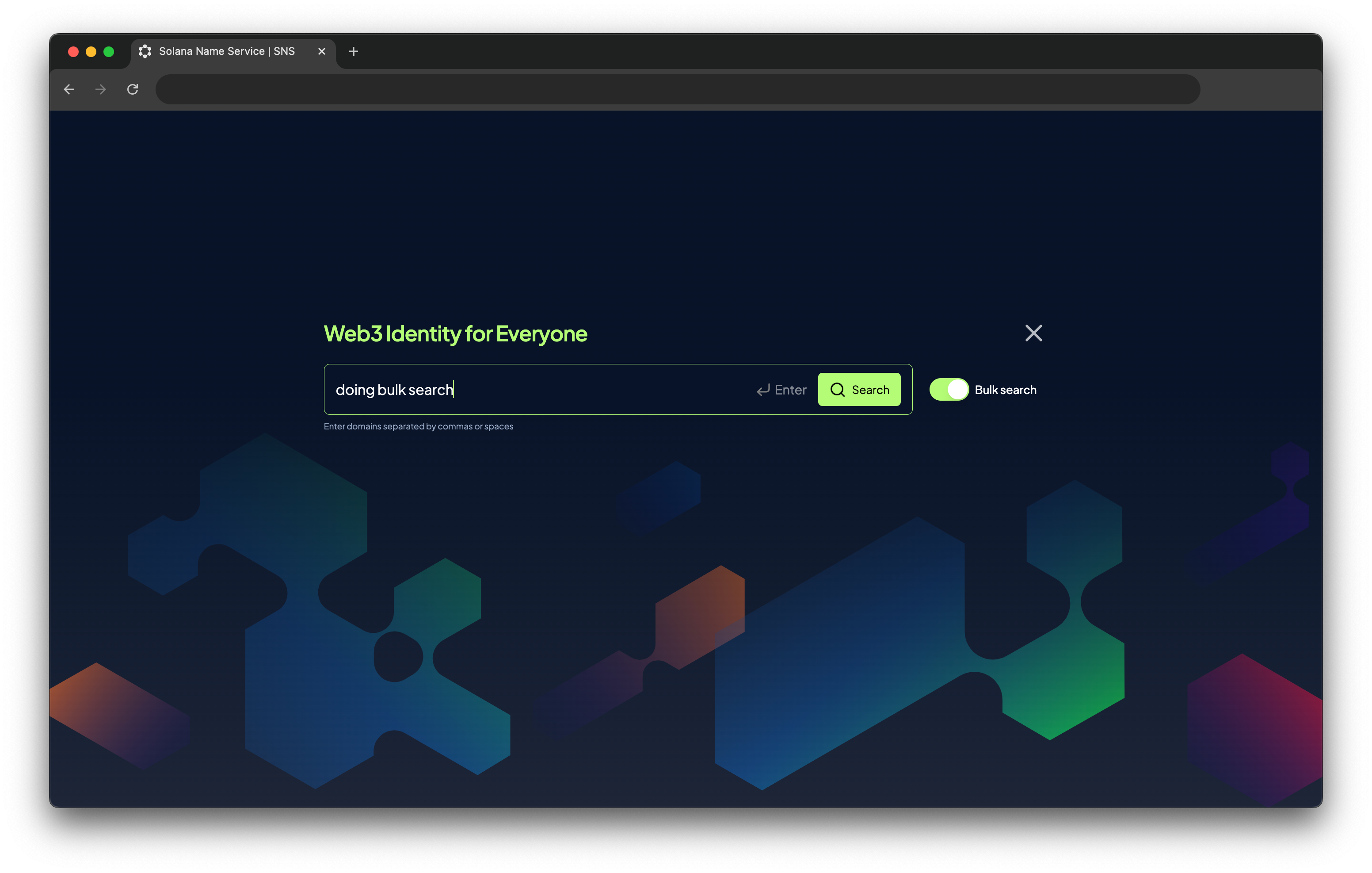
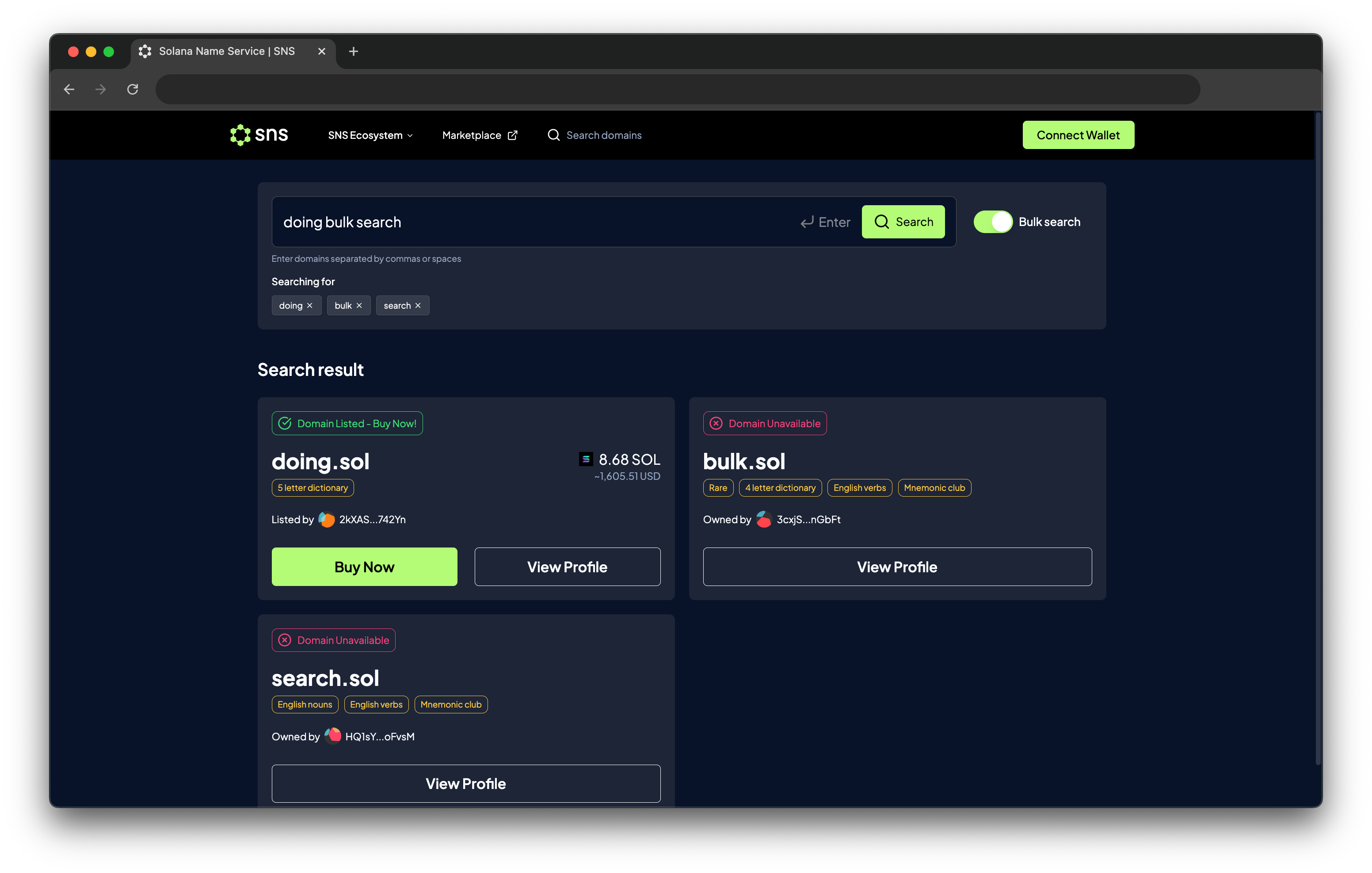
브라우저의 검색 섹션에는 **Bulk Search(대량 검색)** 토글 기능도 있습니다.\
이 기능을 사용하면 여러 도메인을 동시에 검색할 수 있으며, 도메인 이름은 쉼표(,) 또는 공백으로 구분할 수 있습니다.
## 인증 이모지 및 변형 선택자
일부 이모지나 도메인 이름에는 **변형 선택자** 가 포함될 수 있습니다.\
이 선택자는 브라우저가 해당 이모지를 텍스트로 표시할지 이미지로 표시할지를 구분하는 데 사용됩니다.\
예를 들어 `U+FE0F` 또는 `U+FE0E` 코드가 여기에 해당합니다.
하지만 일부 이모지는 텍스트와 이미지가 동일하게 표시되어, 같은 모양처럼 보여도 서로 다른 도메인으로 인식될 수 있습니다.
Emoji
Text
Image
이모지
텍스트
이미지
Grinning Face
😀
😀
Scale
⚖️
⚖
이러한 유니코드를 악용해 구매자를 속이려는 사례도 있습니다.\
즉, 육안으로는 정상적인 도메인처럼 보이지만 실제로는 변형된 가짜 이모지를 포함한 도메인일 수 있습니다.
이런 사기 행위를 방지하기 위해, **SNS 마켓플레이스는 기본적으로 의심스러운 유니코드가 포함된 도메인을 표시하지 않으며**, 해당 도메인을 직접 검색했을 때만 결과를 보여주며 경고 문구를 표시합니다.
{% hint style="info" %}
현재 이모지 도메인은 **Unicode Consortium 15.1.0** 버전을 따르고 있습니다.
{% endhint %}